Multi URL Opener
How I engineered a high-throughput, multi-platform tab automation engine across Chrome Web Store, Backlinks.tools Web App, and GitHub Open Source—solving browser thread freezing, memory exhaustion, and popup sandboxing for SEO link builders.
The Everyday Bottleneck in SEO Audits & Link Verification
Why standard programmatic batch tab launching breaks under real-world load, chokes browser render threads, and triggers aggressive bot mitigation shields—and how a queue-pacing architecture solved it.
While executing high-throughput backlink audits at Backlinks.tools, teams had to verify 50–200 URLs every single morning. Repetitive manual clicking drained 20–30 minutes per audit session, while existing open-source browser openers reliably crashed the browser or failed silently.
Firing 30+ simultaneous parallel tabs overwhelmed Chromium's CPU renderer thread, spiked active memory usage to multiple gigabytes within seconds, and triggered full Out-Of-Memory (OOM) browser freezing.
Modern browser security models strictly penalize programmatic window.open() loops without transient user activation gestures, silently blocking all subsequent tabs after the first batch.
Hitting web servers with 100 concurrent HTTP requests from a single client IP within the same millisecond tripped Cloudflare, Akamai, and AWS WAF rate-limiting rules, causing temporary IP blacklisting.
No client-side state preservation for recurring audit cohorts. Analysts were forced to re-copy and re-paste identical raw URL lists from messy spreadsheets every morning.
Resilient, Queue-Driven Tab Automation Engine
By replacing burst concurrency with an asynchronous pacing queue scheduler (configurable throttle delays from 0.1s to 10s) and native background window tab allocation, we open hundreds of URLs smoothly with zero renderer thread starvation, bypass sandbox blocks, and preserve system responsiveness.
Engineered for Full Lifecycle Touchpoints
Each surface is purpose-built with dedicated technical constraints, user acquisition mechanics, and functional retention hooks.
Chrome Extension
Embedded natively into the browser toolbar. Utilizes native Chrome APIs for instant zero-friction daily operations and persistent background tab queues.
Backlinks.tools Web Version
Zero-install web utility hosted on Backlinks.tools. Captures organic search intent for "bulk url opener" and converts link builders to our SaaS platform.
GitHub Open Source
Complete transparency. Privacy-conscious security teams and engineers inspect the code, verify zero telemetry transmission, and review source changes.
Cross-Platform Synergy Architecture
How users flow smoothly across top-of-funnel discovery, high-frequency daily execution, and open developer validation.
Web App Acquisition
Users search Google for tab tools and discover the free web app. Zero friction, instant test run without permission prompts or downloads.
Extension Habituation
Pinning the extension embeds the automation directly into daily SEO review routines. Hotkeys and preset lists eliminate context switching.
GitHub Trust Engine
Enterprise link builders & developers verify no credential sniffers exist. Transparency eliminates churn from corporate security firewalls.
Surface Implementation Breakdown
| TECHNICAL DIMENSION | CHROME EXTENSION | WEB APP UTILITY | GITHUB OPEN SOURCE |
|---|---|---|---|
| Execution Runtime | Manifest V3 Background Service | In-Browser DOM / Web Workers | Source Repository (Vanilla JS) |
| Primary Growth Role | Retention & Power User Workflow | Top-of-Funnel SEO Acquisition | Developer Trust & Code Auditability |
| State Persistence | chrome.storage.local | Local Storage API | Git Commits / Releases |
| Browser Sandboxing | Full Bypass via chrome.tabs | Scoped to Popup Permissions | N/A (Reference Codebase) |
| Telemetry & Tracking | 0% / No Pingbacks | Privacy-first Anonymous Counts | Zero Telemetry Enforced |
Hard Browser Constraints & How We Engineered Past Them
Building a toy script is straightforward; engineering a high-throughput engine capable of queuing and launching 500+ URLs client-side without crashing Chrome or triggering anti-bot firewalls required solving fundamental runtime barriers.
Browser Freezing & Thread Starvation
Synchronous mass navigation saturates browser execution pipelines and leads to unresponsive operating systems.
Launching 100+ URLs concurrently spawns parallel Chromium renderer processes. RAM explodes to >2GB instantly, locking Chrome's UI thread and causing tab-kill dialogs or hard OS freeze.
Modern Browser Popup Blocker Sandboxing
Browsers deliberately restrict multi-tab programmatic triggers unless strict user gestures exist.
Modern browsers enforce Transient User Activation: programmatic window.open() loops
without discrete human clicks are killed immediately by Chrome's anti-abuse sandboxes.
Invokes chrome.tabs.create(). Bypasses popup sandbox restrictions entirely,
dispatching background tabs headlessly without window steals.
"tabs" permission
Engineered an onboarding heuristic that verifies popup clearance on initial load and guides
users to allowlist backlinks.tools with a 1-click test tab.
Host Whitelist
Manifest V3 Service Worker Lifecycle
Chrome destroys long-running background pages, replacing them with transient workers that sleep mid-operation.
Manifest V3 deprecated persistent background pages for ephemeral service workers that automatically spin down after 30 seconds of inactivity, terminating large batches mid-flight.
Persist Queue
Syncs pending queue indices to storage.local.
Alarm Keepalive
chrome.alarms sets ping interval to prevent worker death.
Hydrate State
Worker re-initializes and pulls cursor pointer on restart.
Resume Pacing
Queue picks up with zero dropped URLs or duplication.
Zero-Knowledge Local Privacy Architecture
High-volume operators process confidential URLs that must never transit third-party monitoring servers.
SEO builders and QA engineers routinely paste confidential staging links, pre-release PR campaigns, and auth-tokenized links. SaaS telemetry backends introduce severe corporate security exposure.
Zero Remote API Calls
No backend tracking servers, no phone-home pingbacks, and zero third-party telemetry SDKs injected.
Chrome Local Sandboxing
All configuration presets, lists, and delay parameters remain isolated strictly within device sandbox storage.
Open Source Verifiability
Transparent repository architecture permitting strict corporate infosec inspections and reproducible builds.
UI/UX Architecture & Screenshots
A screen-by-screen architectural breakdown of Multi URL Opener. Each view is engineered to reduce friction, protect browser stability, and automate high-throughput link workflows.
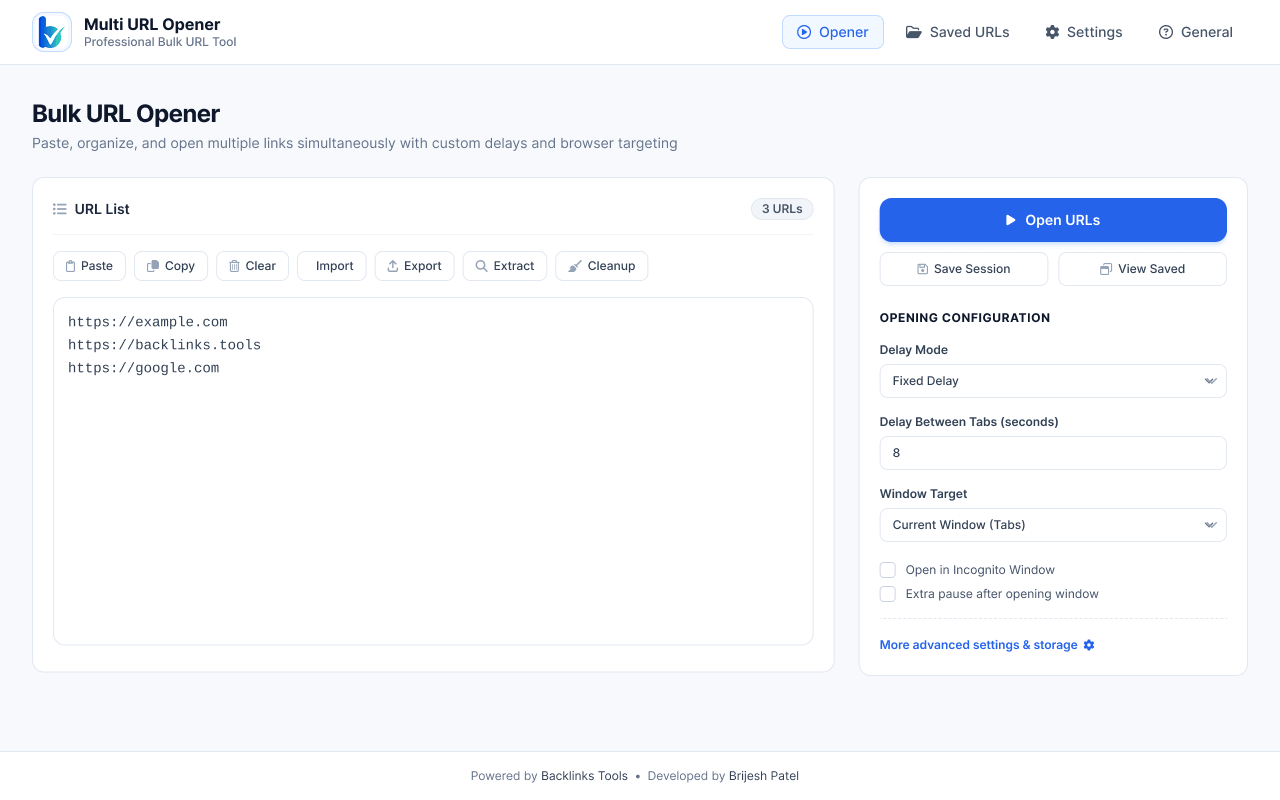
Main Opener Dashboard
Designed for maximum data throughput and zero input friction. A clean, high-capacity textarea accepts raw clipboard dumps—handling up to 500+ URLs at once. The real-time counter immediately parses and validates the link count, with an instant toggle for automatic duplicate removal and whitespace trimming.
Toolbar Quick Action Popup
A core product principle was eliminating context-switching. Link builders and researchers should never have to leave their current active tab to fire a quick batch of 5–20 competitor links. Clicking the extension icon opens a compact, distraction-free popup ready for immediate pasting and execution.
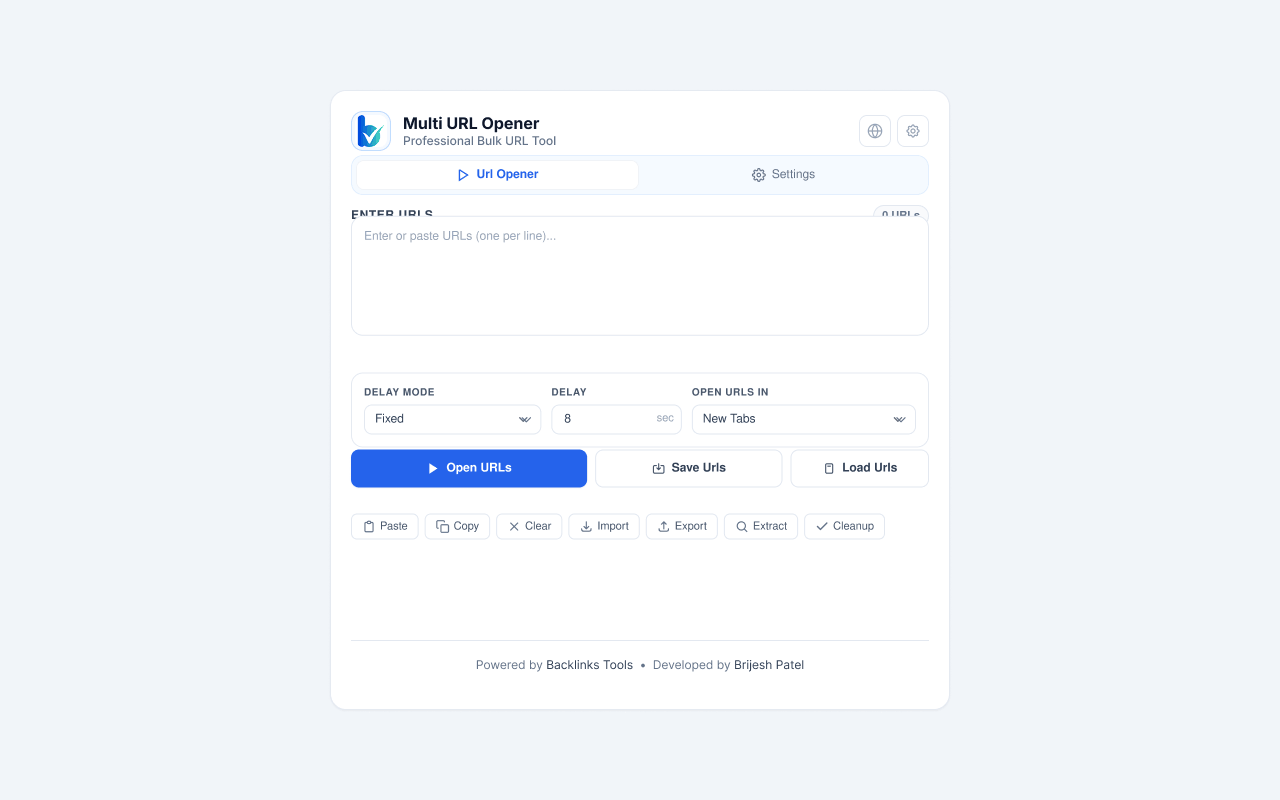
Popup Delay & Mode Controls
Different workflows require different pacing. A quick QA smoke check on 5 links needs 0.1s instant opening, while a massive 150-link backlink audit needs 2.5s delay to prevent server rate-limiting. This popup sub-panel exposes critical delay overrides directly without forcing users into deep option menus.
General Preferences & Tab Pacing
Controls how Chrome handles memory and thread allocation during high-volume batch launches. Users can enforce background tab loading so their active window doesn't steal focus, randomize interval delays with micro-jitter to bypass anti-bot heuristics, and specify tab opening order.
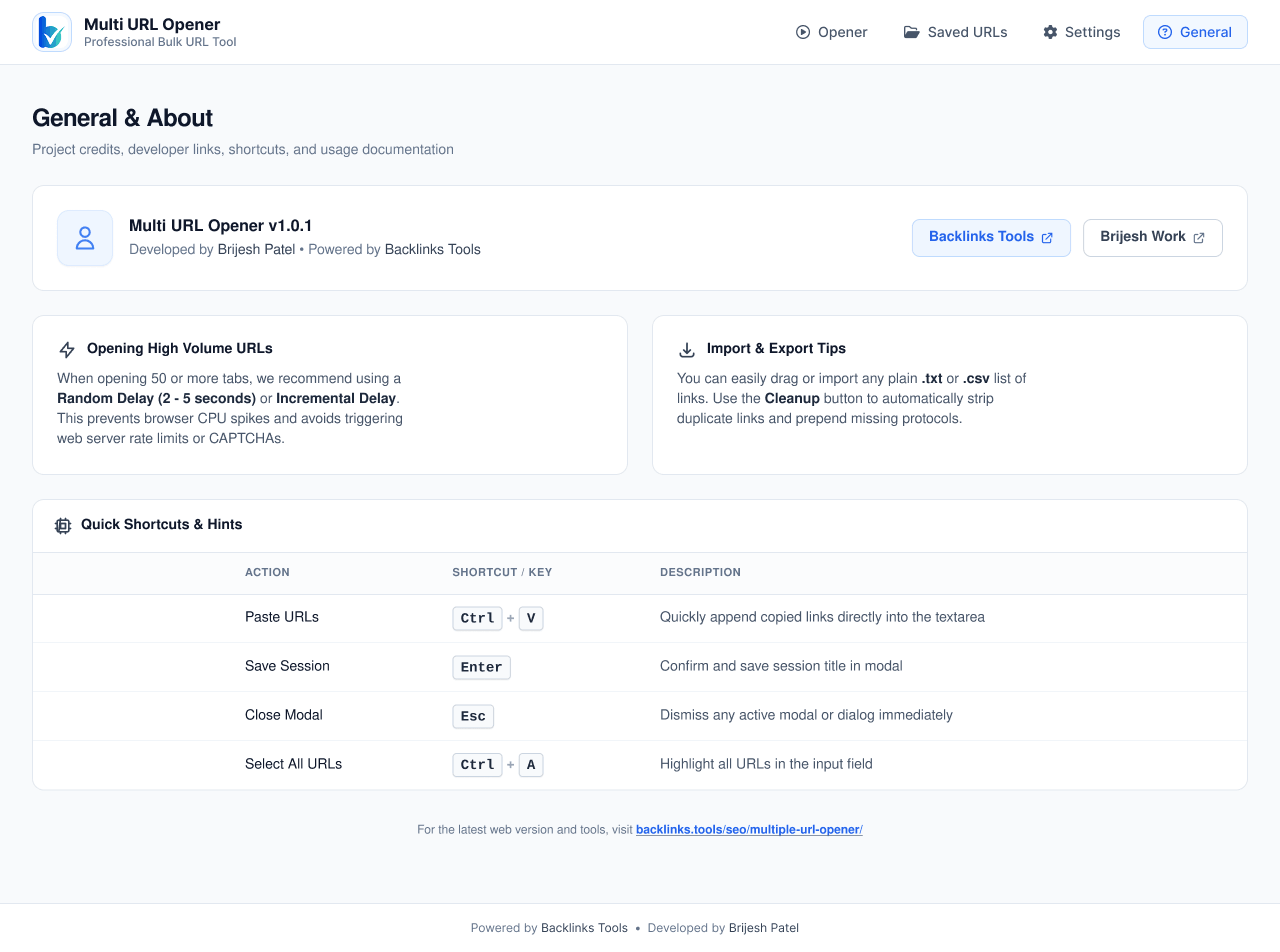
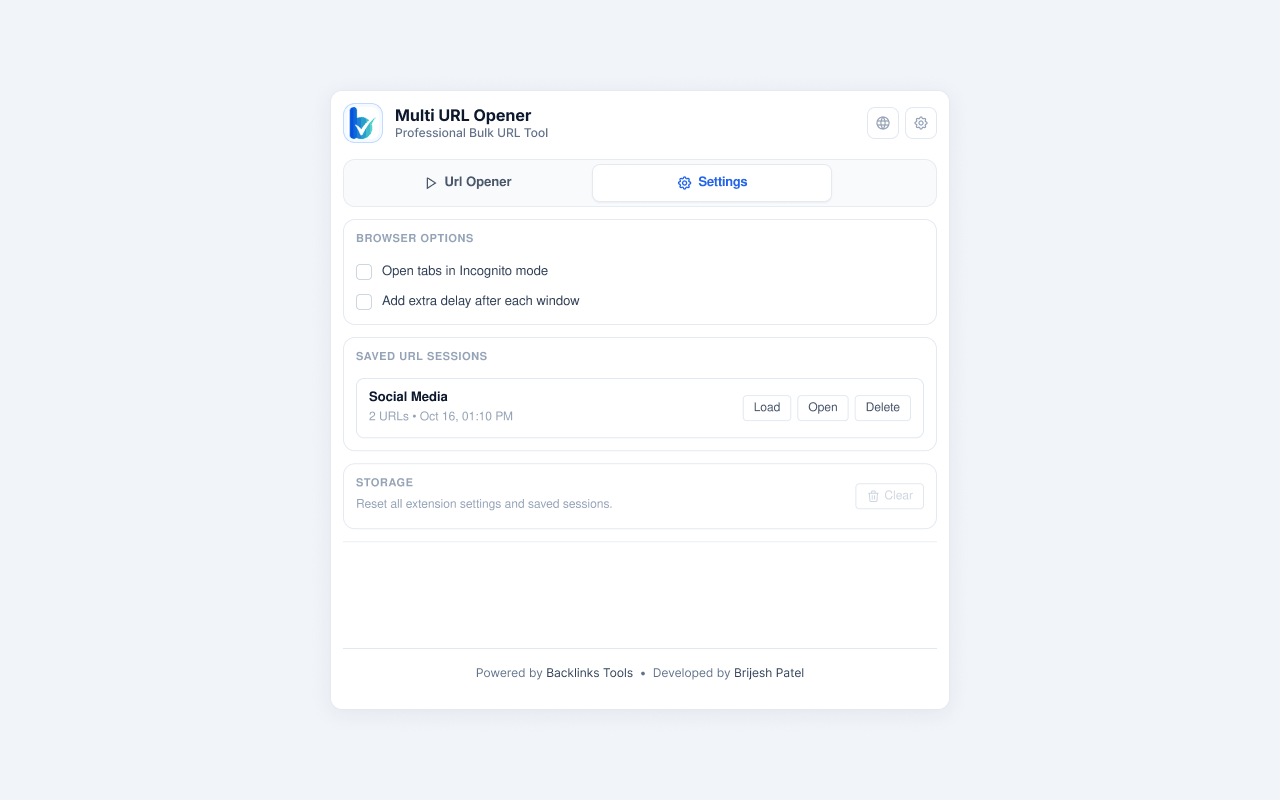
Saved URL Collections
Link builders and SEOs repeatedly check the same batches of competitor domains, indexing targets, and client dashboards every single day. The Saved URLs collection panel turns repetitive copy-paste friction into a single-click launch action stored securely in local device memory.
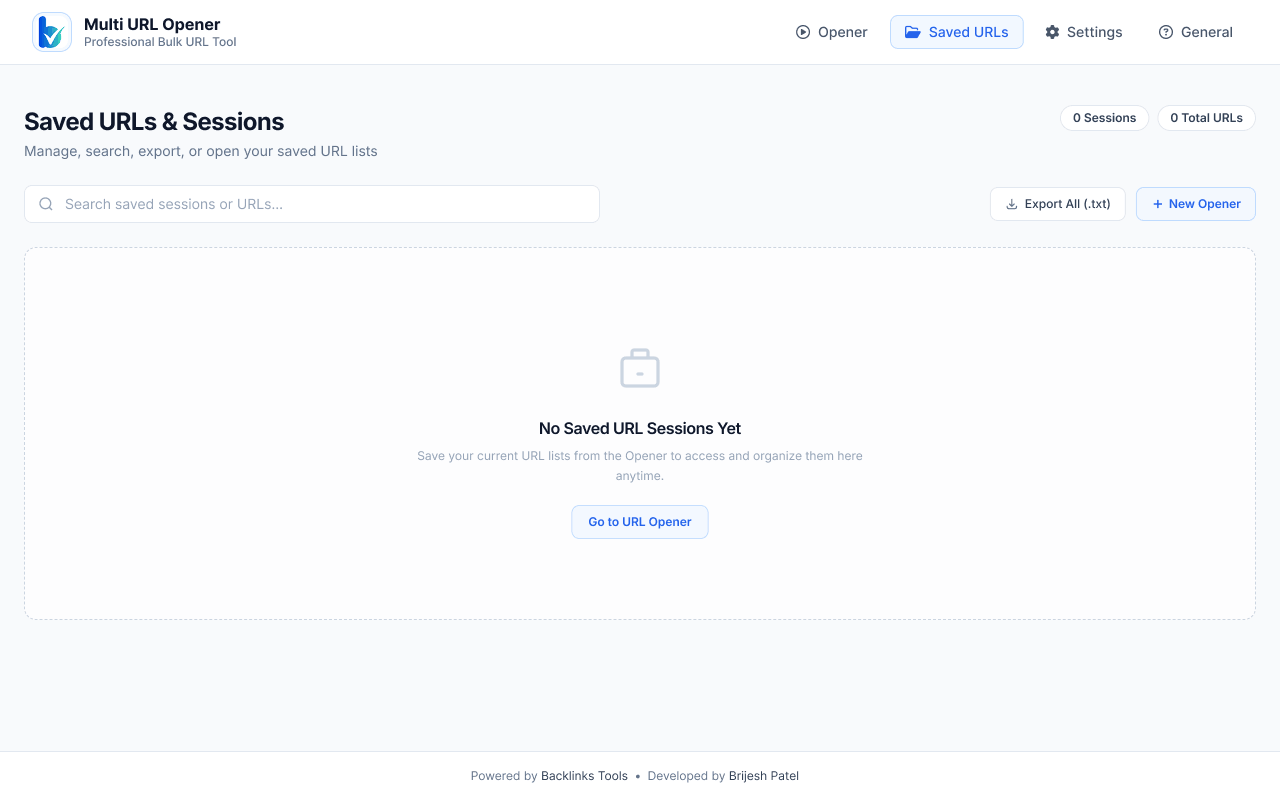
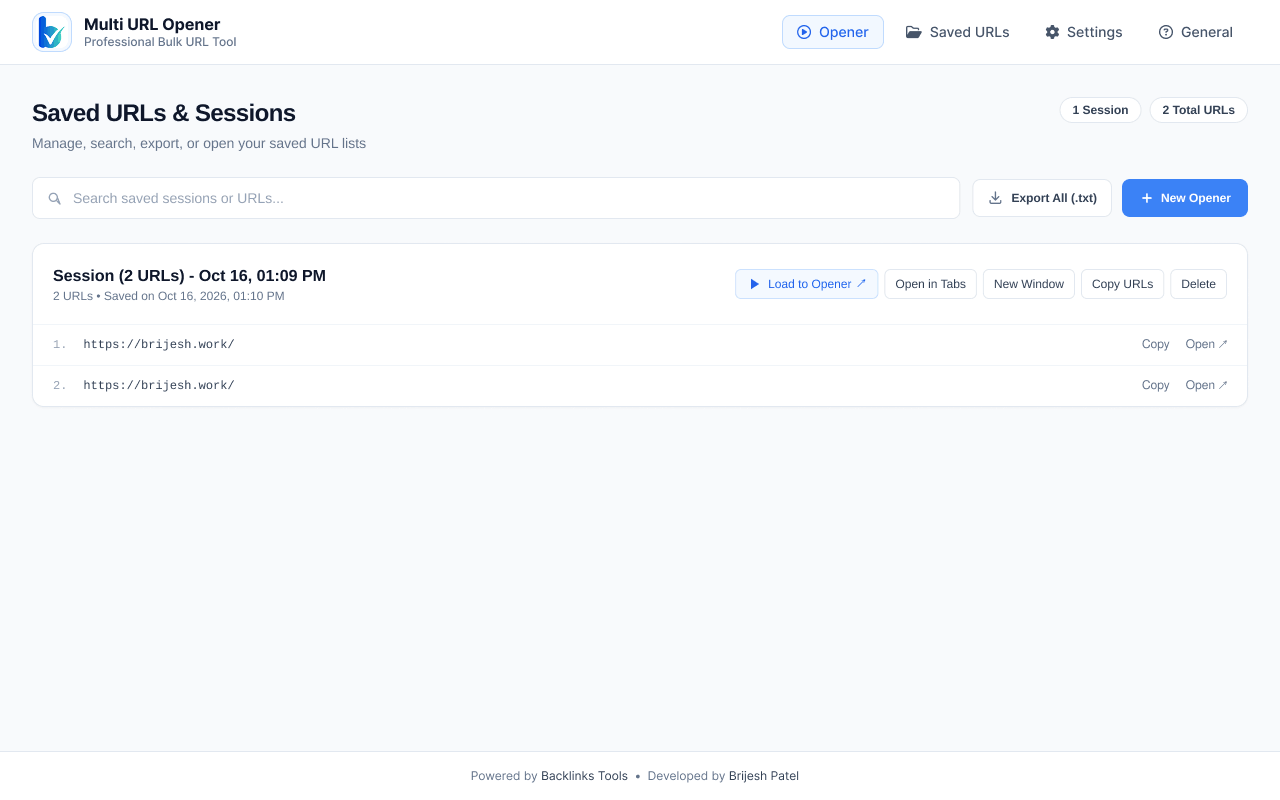
Session Presets & Grouping
Moving beyond isolated URL lists, the Session Manager enables project-level grouping. A user managing multiple clients or research themes can group URLs into dedicated workspace sessions, launching entire multi-tab environments in an isolated window tailored for that specific project.
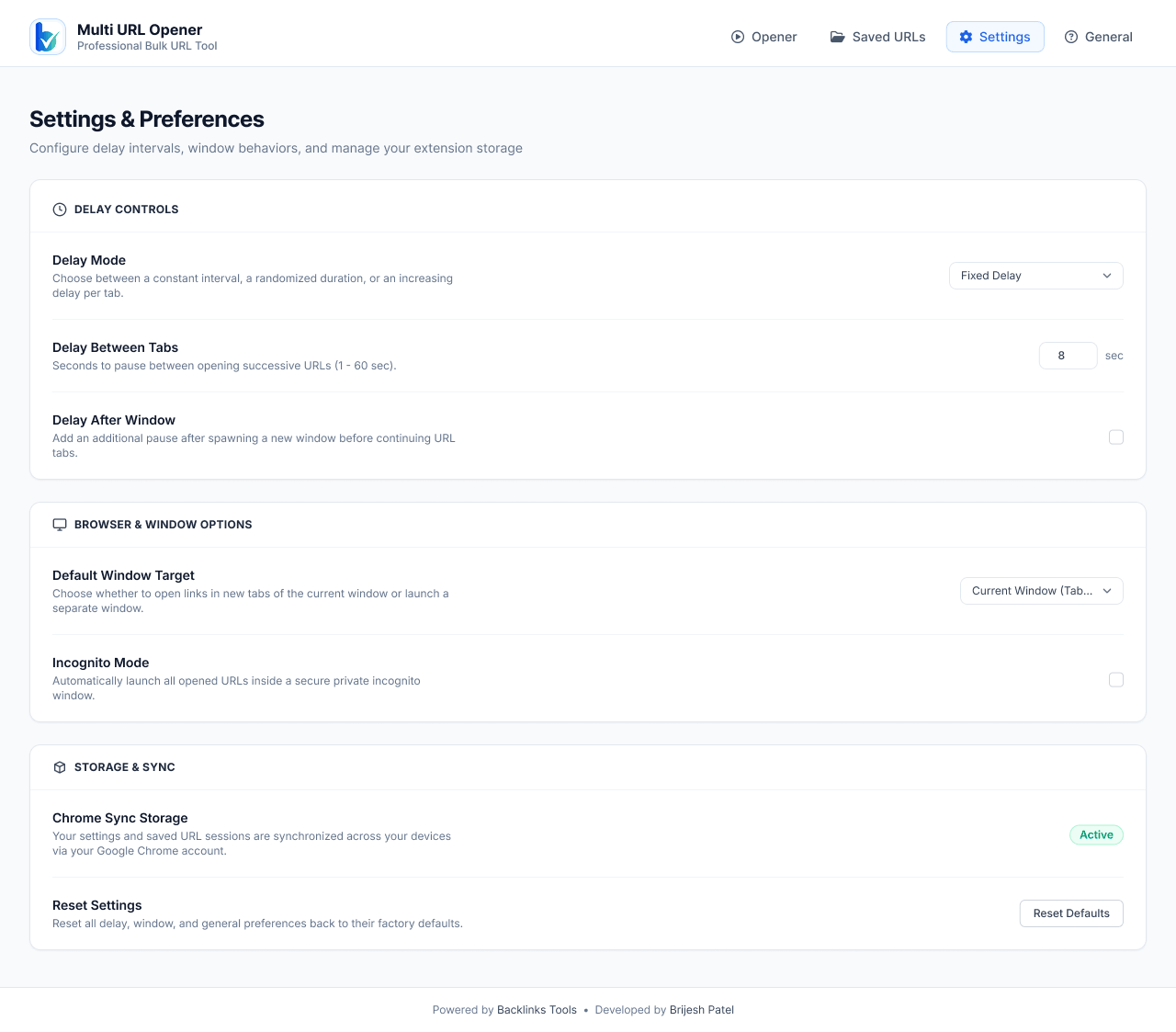
Settings & Advanced Preferences
Built for developer and power-user speed. Provides custom keyboard shortcut bindings (e.g. Alt+Shift+U to trigger instant paste-and-launch), UI theme toggles, input regex sanitization rules, and full JSON export/import for seamless workspace backup across devices.